Convert your PDF into an editable Word document while keeping fonts, tables, images, and layout as consistent as possible.
Need to do this yourself? PDF to Word is available directly in your browser.
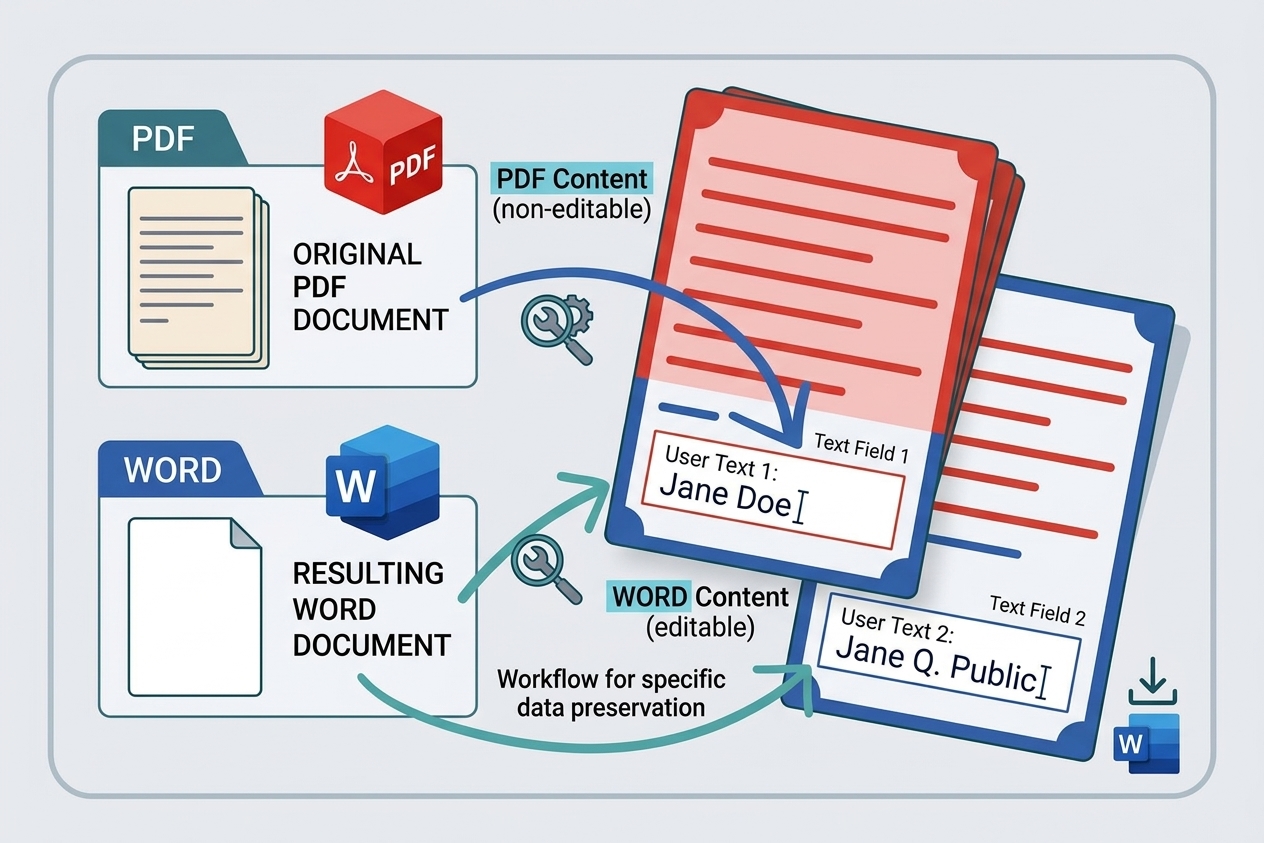
Converting a PDF to Word is useful when you need to edit text, update a document, reuse content, or make changes without rebuilding the file from scratch. The goal is not only to extract the text, but to keep the document looking as close as possible to the original.
How to convert PDF to Word
- Open the PDF to Word tool.
- Upload your PDF document.
- Start the conversion and wait for processing to finish.
- Download the editable Word document.
- Review the converted file and make any small formatting adjustments if needed.
How to keep formatting consistent
Fonts, spacing, headings, images, tables, and page breaks can affect the final Word document. Using a clean source PDF and checking the result after conversion helps preserve the original structure.
For complex PDFs
Scanned documents, unusual fonts, multi-column layouts, forms, and complex tables may need a final formatting check after conversion. If the PDF is image-based, text recognition may also be required before the content becomes editable.
What to check after conversion
- Headings and font sizes
- Tables and column alignment
- Images and captions
- Page breaks and spacing
- Headers and footers
Conclusion
A good PDF-to-Word conversion gives you an editable document while retaining as much of the original formatting as possible. For important documents, always review the converted Word file before sharing or publishing it.
Related Posts


Try the PDF tool from this guide
PDF to Word — use the free browser-based tool without leaving this site.