Sign PDF documents online in minutes without printing, scanning, or installing an app.
Need to do this yourself? Sign PDF is available directly in your browser.
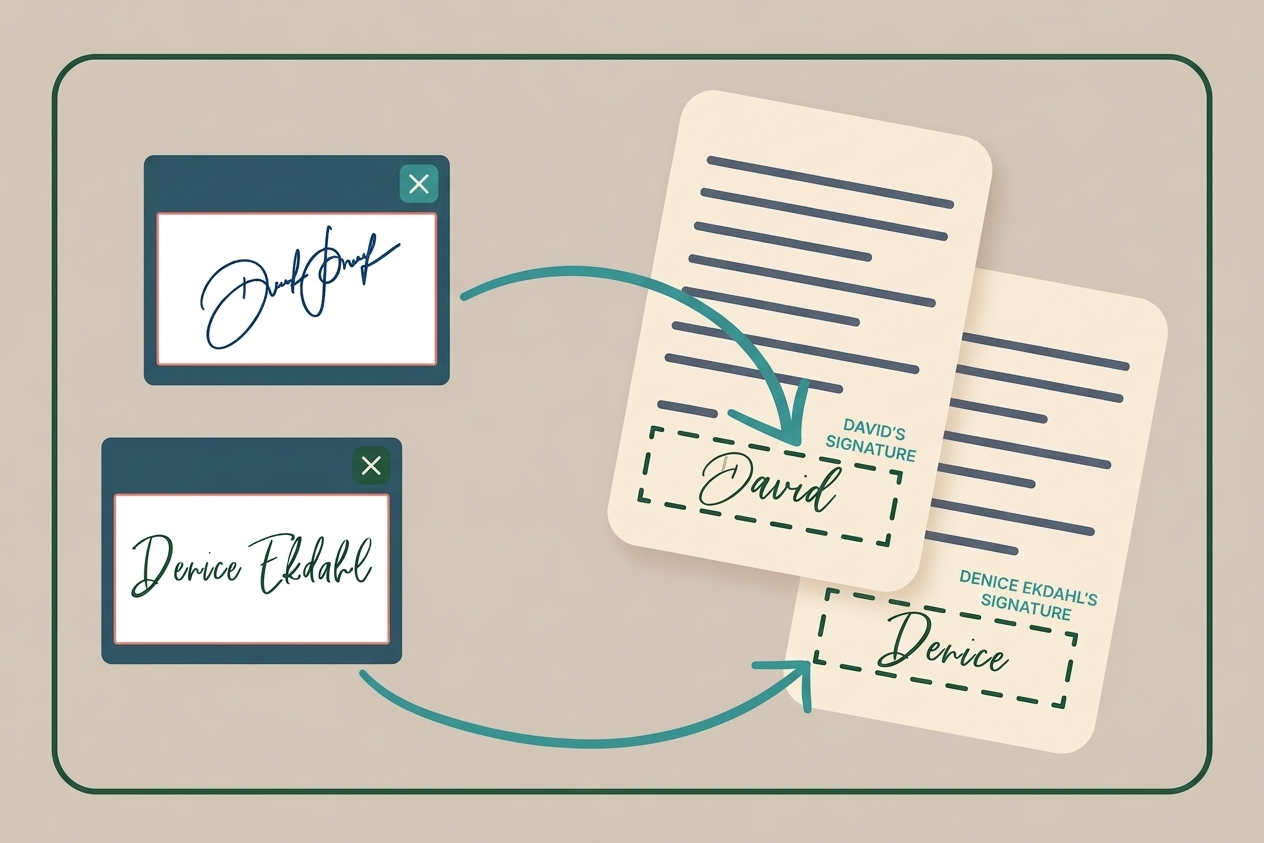
Electronic signatures are a fast alternative to printing and scanning for many everyday documents. Requirements vary by country and document type.
Three Ways to Create Your Electronic Signature
Draw Your Signature
Draw your signature with a mouse, trackpad, touchscreen, or stylus.
Type Your Name
Type your name and choose a signature-style appearance.
Upload a Signature Image
Upload a saved image of your handwritten signature and place it on the document.
How to Sign a PDF for Free
- Open the Sign PDF tool.
- Upload your PDF.
- Create your signature.
- Place and resize it where required.
- Review every page and download the signed PDF.
Tips for Professional-Looking Signatures
- Match the signature size to the signing area.
- Align it carefully.
- Use a dark, professional-looking signature.
- Keep your signature style consistent.
Quick tip: Review every page before downloading so the signature is placed correctly and all required fields are complete.
Conclusion
Signing PDFs electronically can save time and eliminate printing and scanning for many everyday workflows.
Ready to sign? Open the free Sign PDF tool.
Explore Topics
#sign pdf#electronic signature#pdf signing#free toolsRelated Posts


Try the PDF tool from this guide
Sign PDF — use the free browser-based tool without leaving this site.